Chrome extension
Save the page you're on, without leaving it.
HeyAlex for Chrome puts capture one click away. Pages go to your Queue, typed lines go to your Hutch, and highlighted quotes keep the link they came from.
Free with any HeyAlex account. Works in Chrome, Edge, Brave, Arc and Opera. Chrome Web Store listing is in review.
See it in 24 seconds
Saving a tab, typing a to-do, and keeping a quote — the whole extension, start to finish.
What it does
Save the page you're on
One click stores the tab's title and link in your Queue, already sorted — videos to Watch, audio to Listen, everything else to Read.
Send a thought to the Hutch
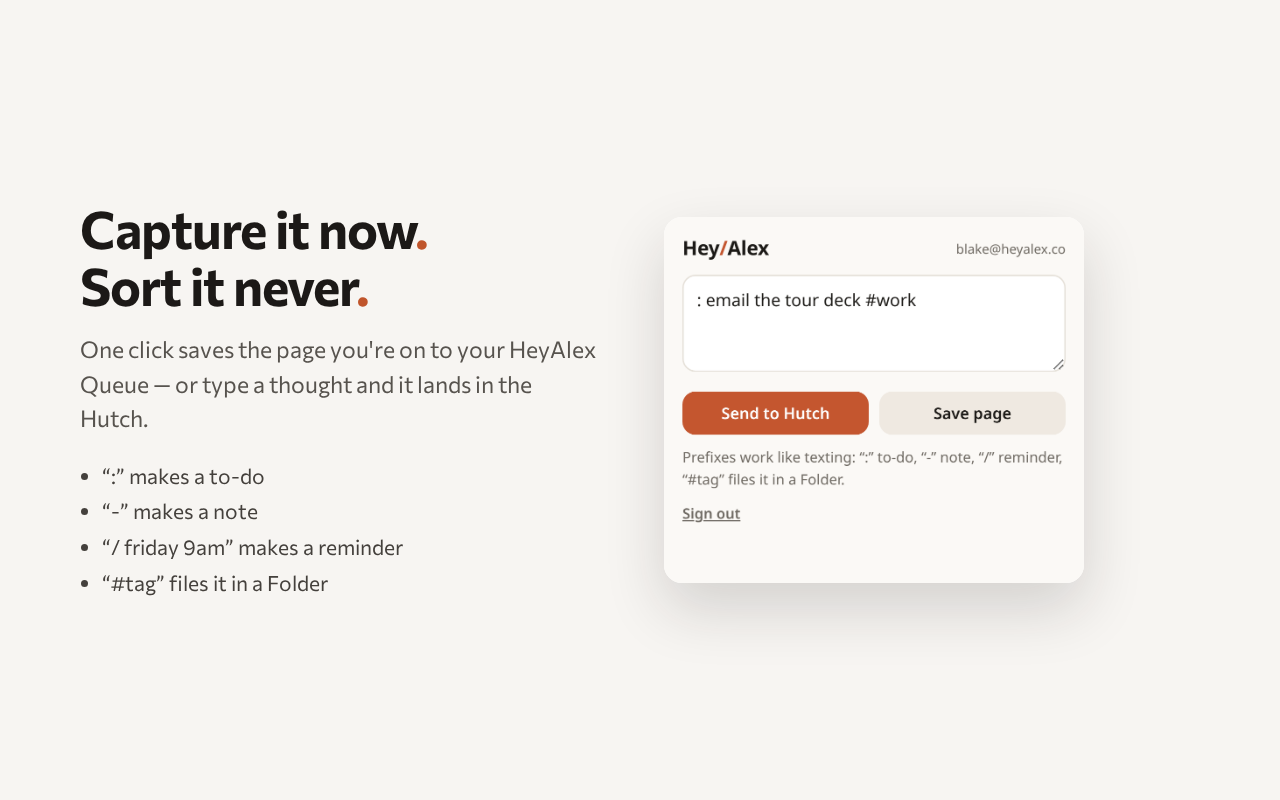
Type a line and it saves exactly like a text message. Prefixes work the same way: “:” makes a to-do, “-” makes a note, “/” plus a time makes a reminder.
Keep the quote and the source
Highlight text, right-click, and HeyAlex saves the passage along with the link it came from.
File it while you're there
Add “#tag” and the item lands in that Folder — the same Folders you already use in the app and over SMS.
Keyboard first
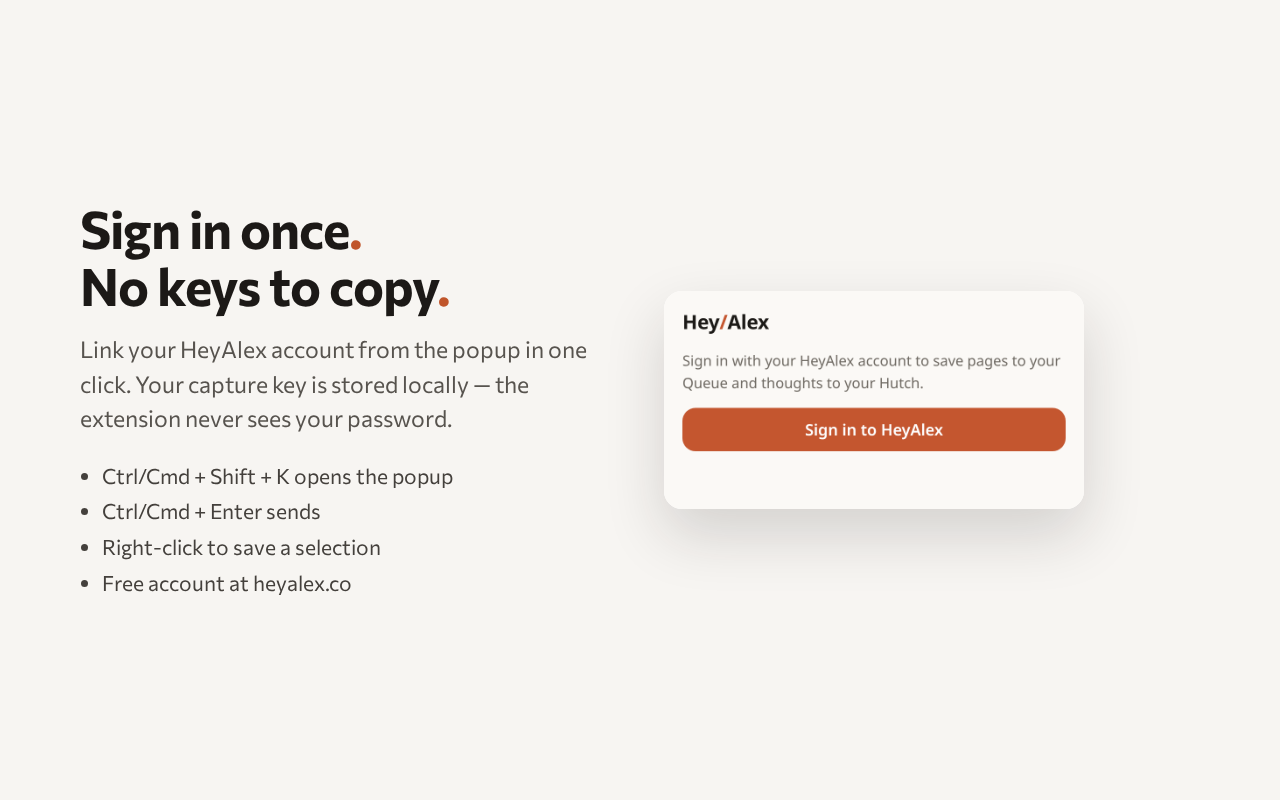
Ctrl/Cmd + Shift + K opens the popup, Ctrl/Cmd + Enter sends. You never have to reach for the mouse.
Sign in once
Link your HeyAlex account from the popup using Chrome's own sign-in window. No keys to paste, and the extension never sees your password.
Install it
Until the Chrome Web Store listing goes live, load it yourself — it takes about a minute.
- 1Download the package below and unzip it.
- 2Open chrome://extensions in Chrome, Edge, Brave, Arc or Opera.
- 3Turn on Developer mode (top right).
- 4Click Load unpacked and pick the unzipped folder.
- 5Click the HeyAlex icon, then Sign in to HeyAlex.
Manifest V3 · about 17 KB · updates are announced by email.
What it can access
Three permissions, each used for one thing. Nothing is read or sent unless you click.
- activeTab
- Reads the title and URL of the tab you're on — only when you press Save page.
- storage
- Keeps your account link on your device so you don't sign in every time.
- identity
- Opens Chrome's own sign-in window to link your HeyAlex account. Your password never reaches the extension.
There's no tracking, no browsing history collection, and no third-party analytics in the extension. Details are in our Privacy Policy.
Need an account first?
Create a HeyAlex account, then link it from the extension popup in one click.